
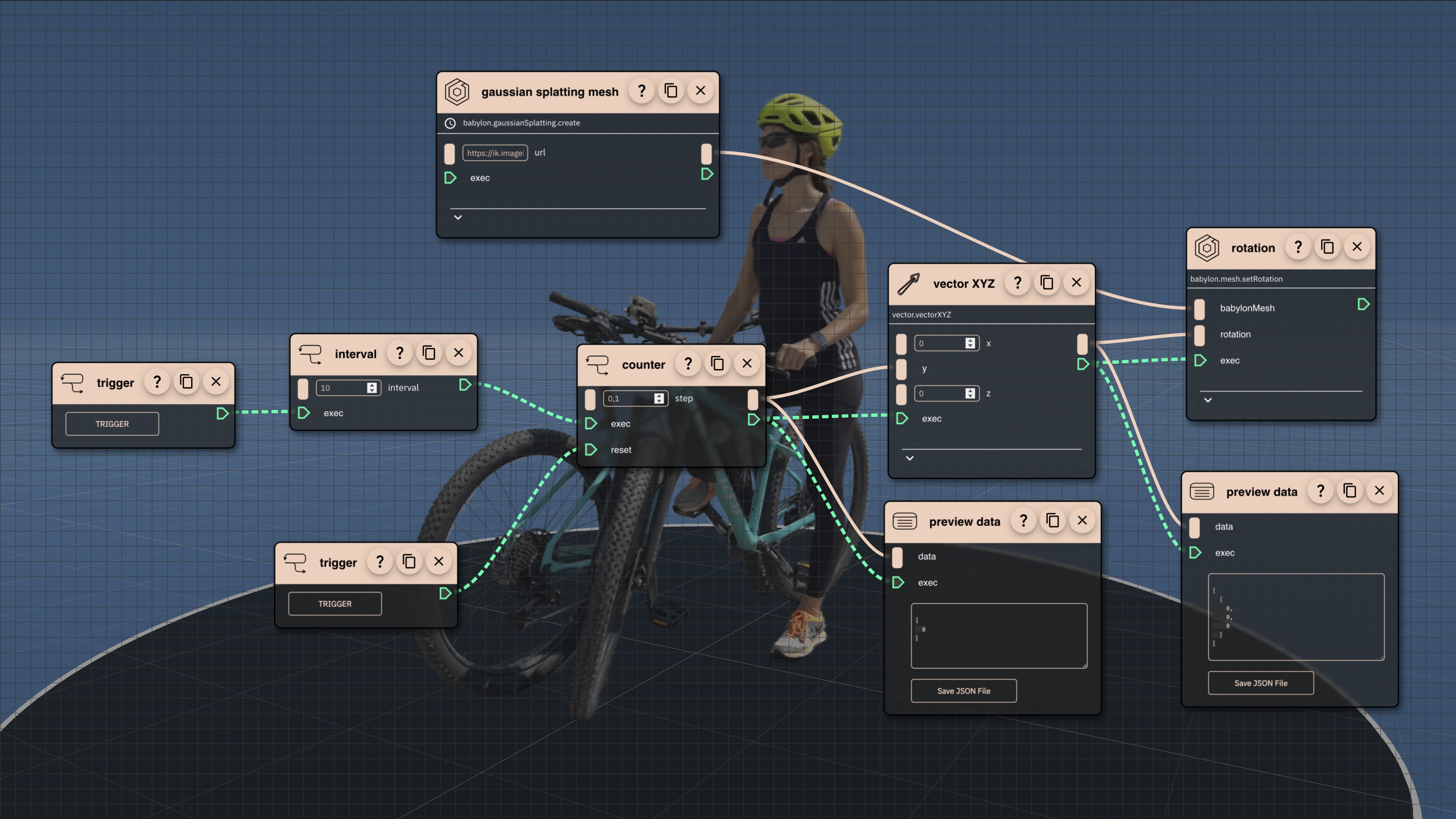

Control Flow Preview
This short intro video features few examples of how you can use control flow in Rete editor to create time based animations, simulations, complex camera path movements and more.
Notice the light green wires connecting blocks - these are control flow wires. Flow components let you listen to various actions, react to time sensitive events. Control when, how and which components to execute. This is a powerful feature that can be used to create complex parametric scripts.
< OverviewNext >Curriculum
Course Lectures
Navigate freely between lectures by clicking on them. Approximate time required: 6 minutes.
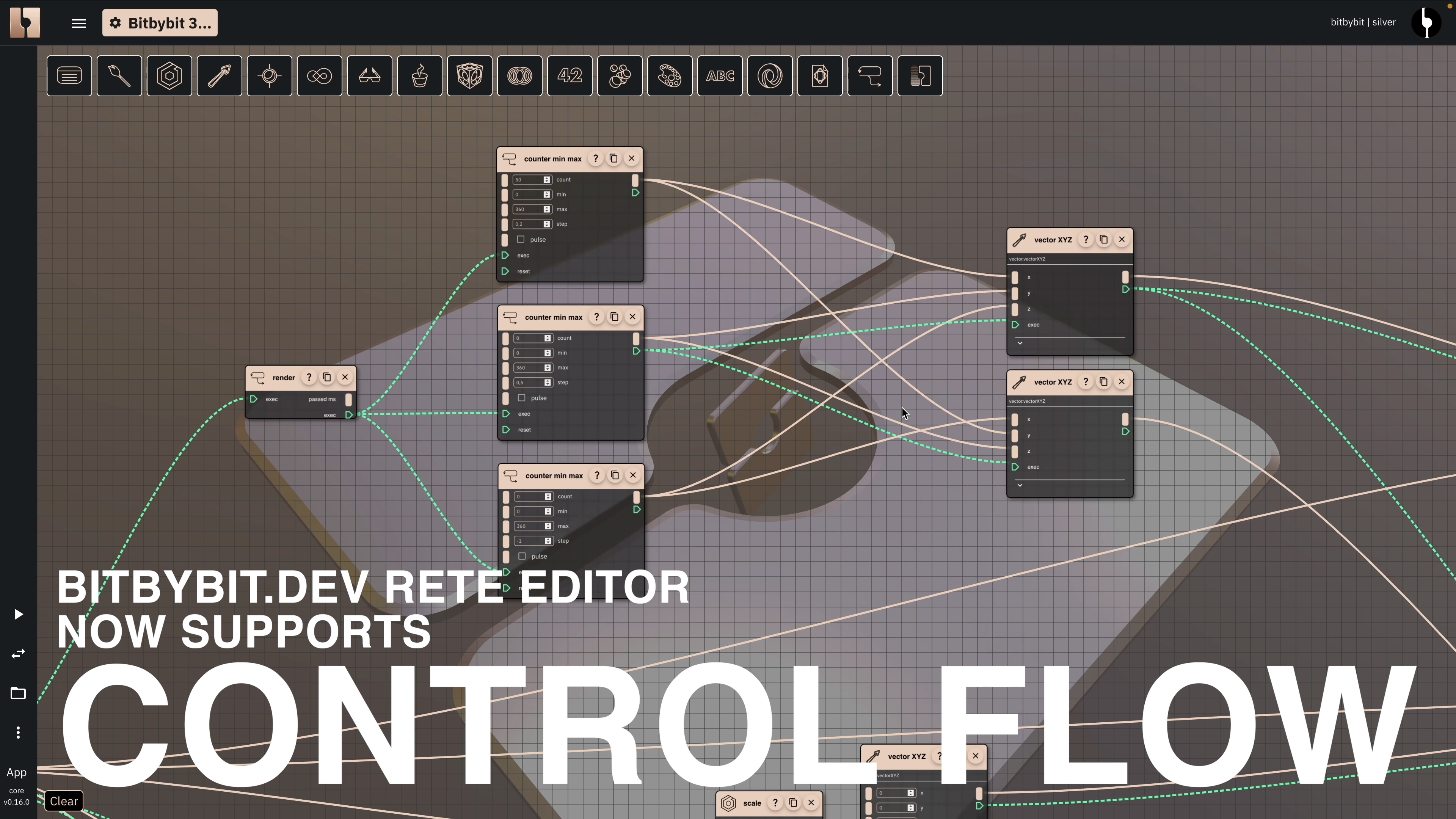
Control Flow Preview
1 minThis short intro video features few examples of how you can use control flow in Rete editor to create time based animations, simulations, complex camera path movements and more.
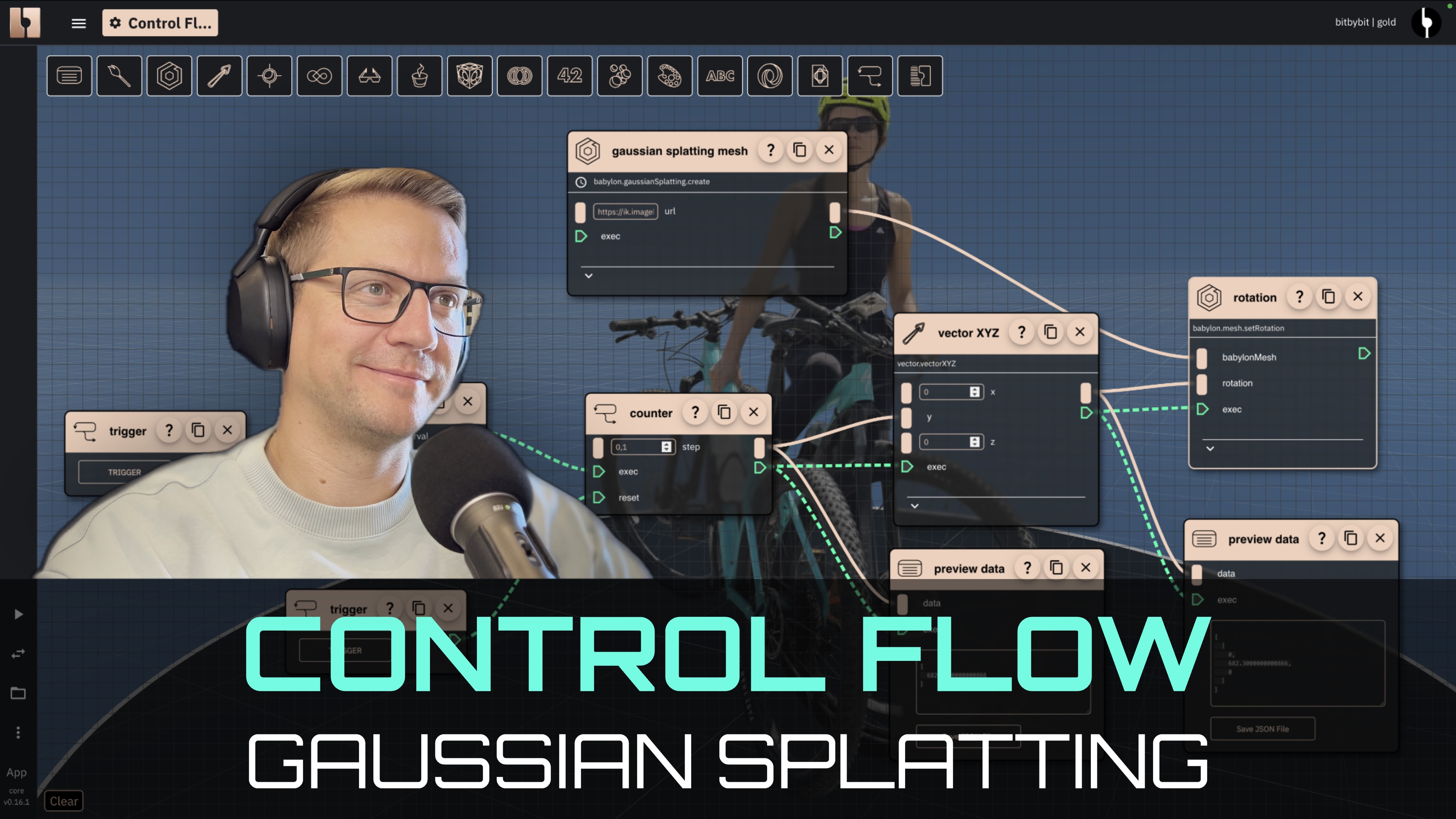
Trigger Interval To Animate Rotations Of Gaussian Splatting Mesh
5 minLearn how to use intervals to drive animations in Rete editor. In this example we will animate rotations of Gaussian splatting model with the girl on the bike.